

GtrLib Chords
Look up guitar chords and compare fingerings at different fretboard positions. Hear how a voicing sounds before trying it on your guitar.
iPhone
GtrLib Chords
- App Store
- Free
- Version 2.6.1
Requires iOS 17.0 or later.
Guitar Chord Library
Read the store description
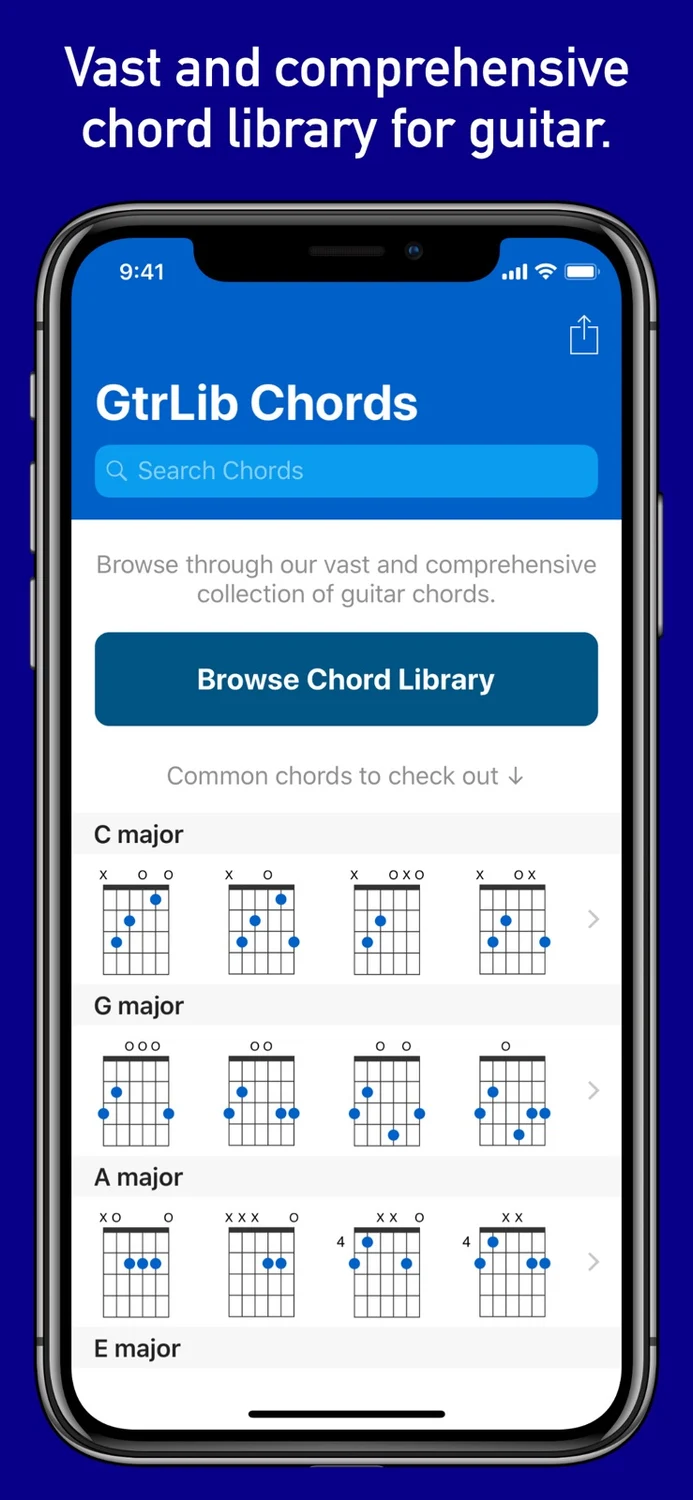
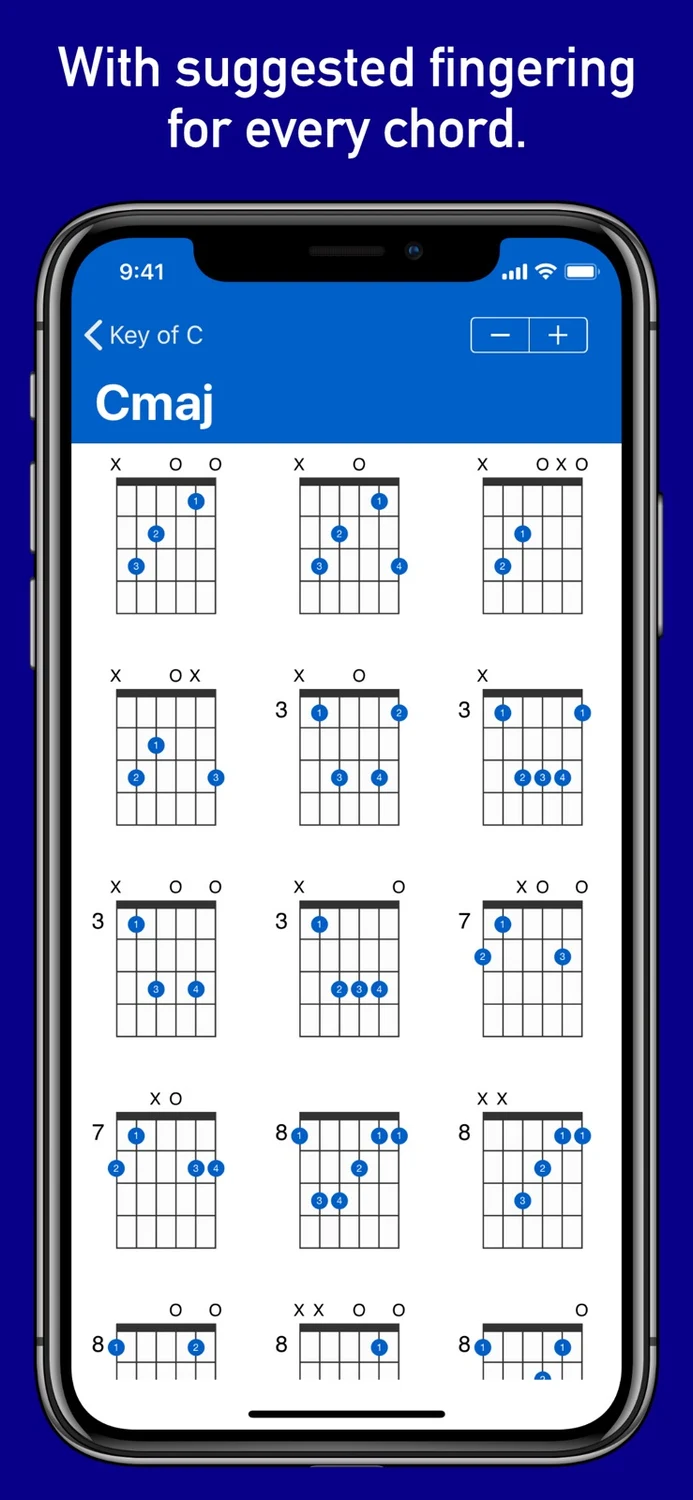
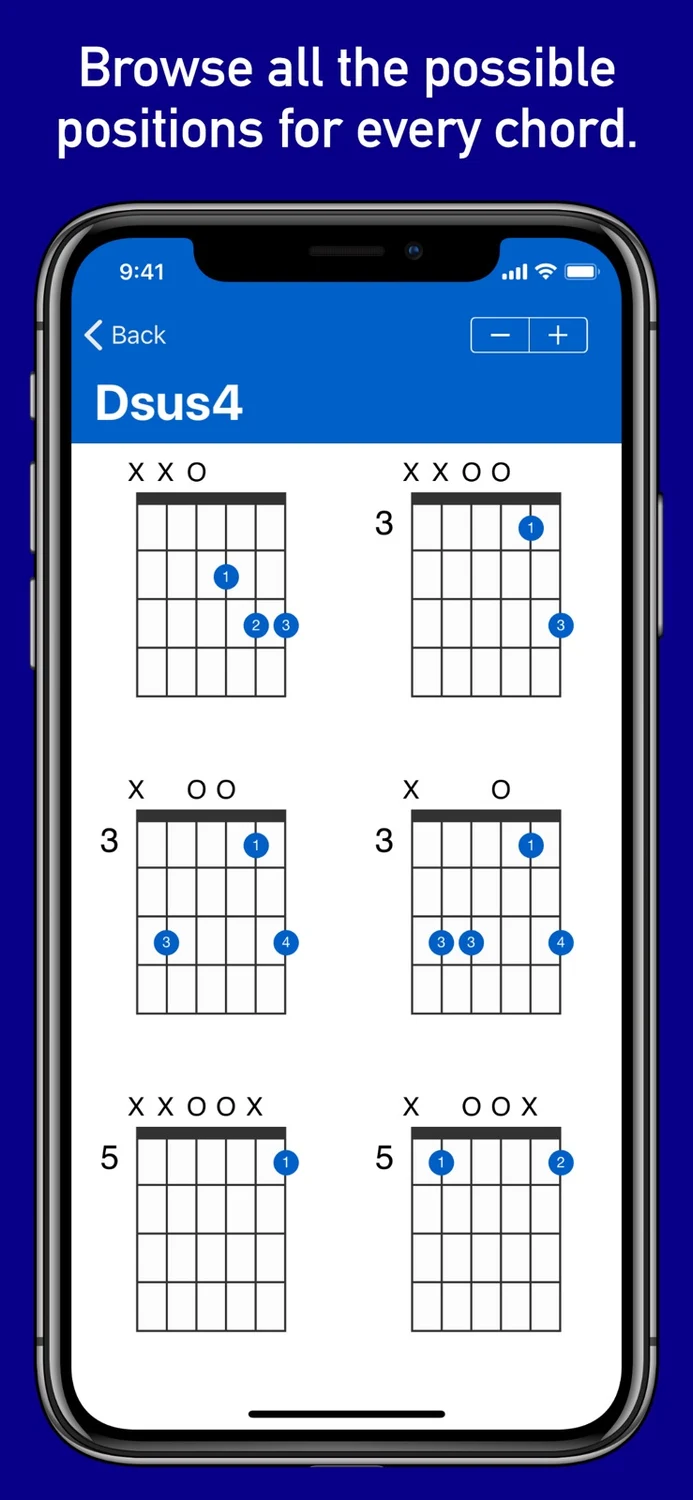
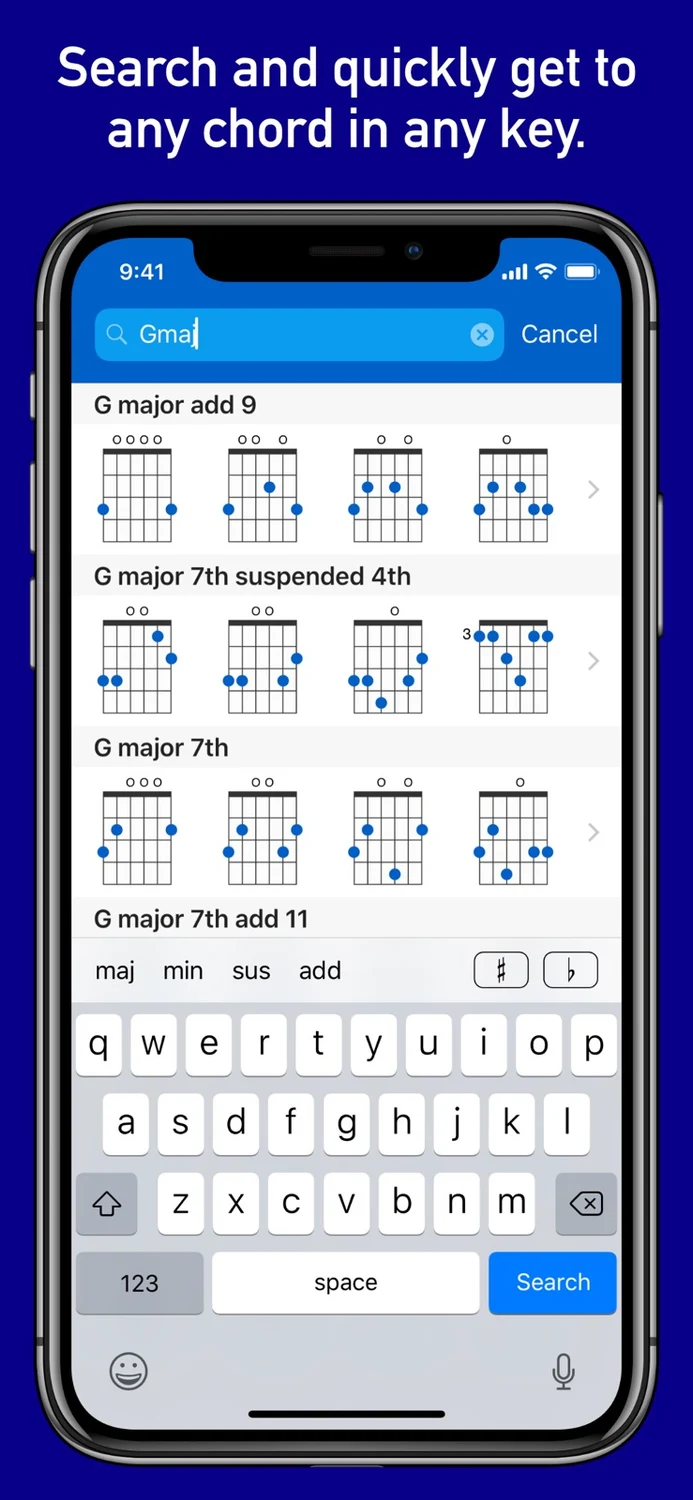
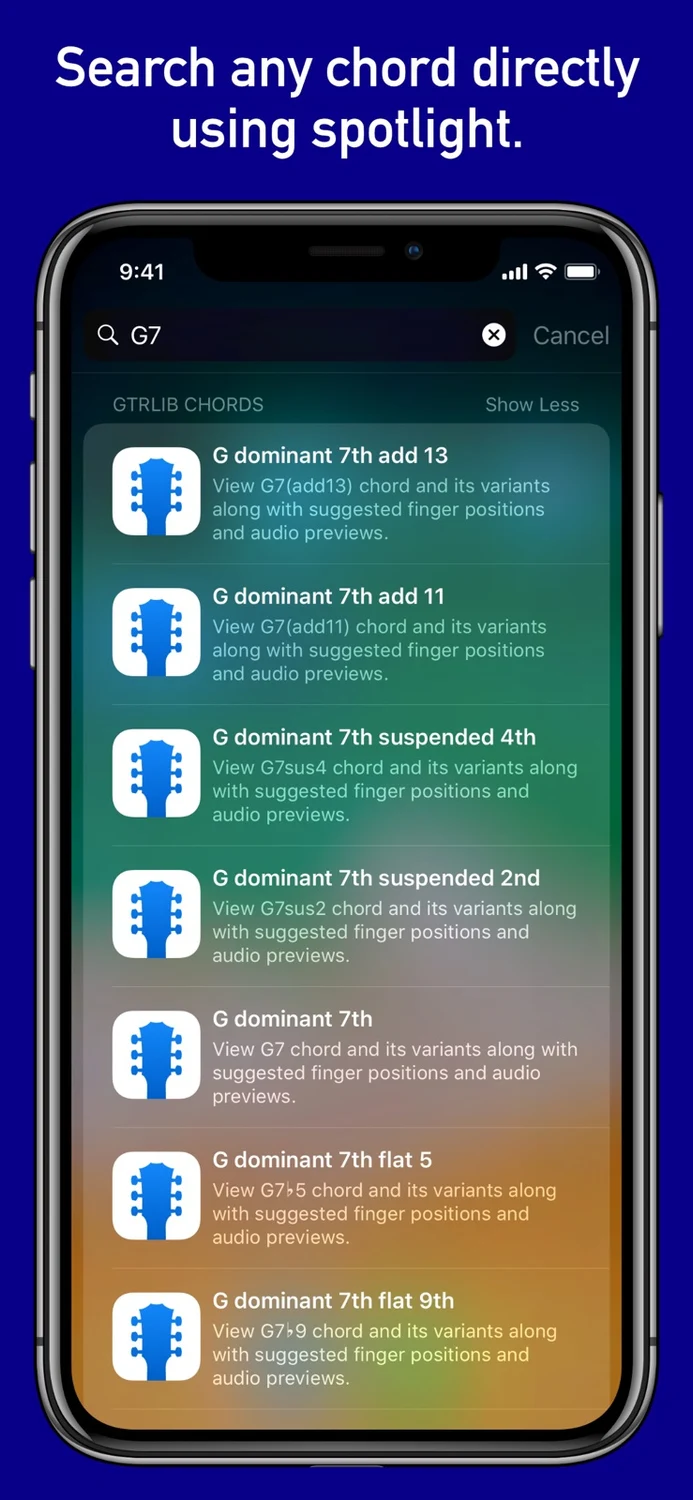
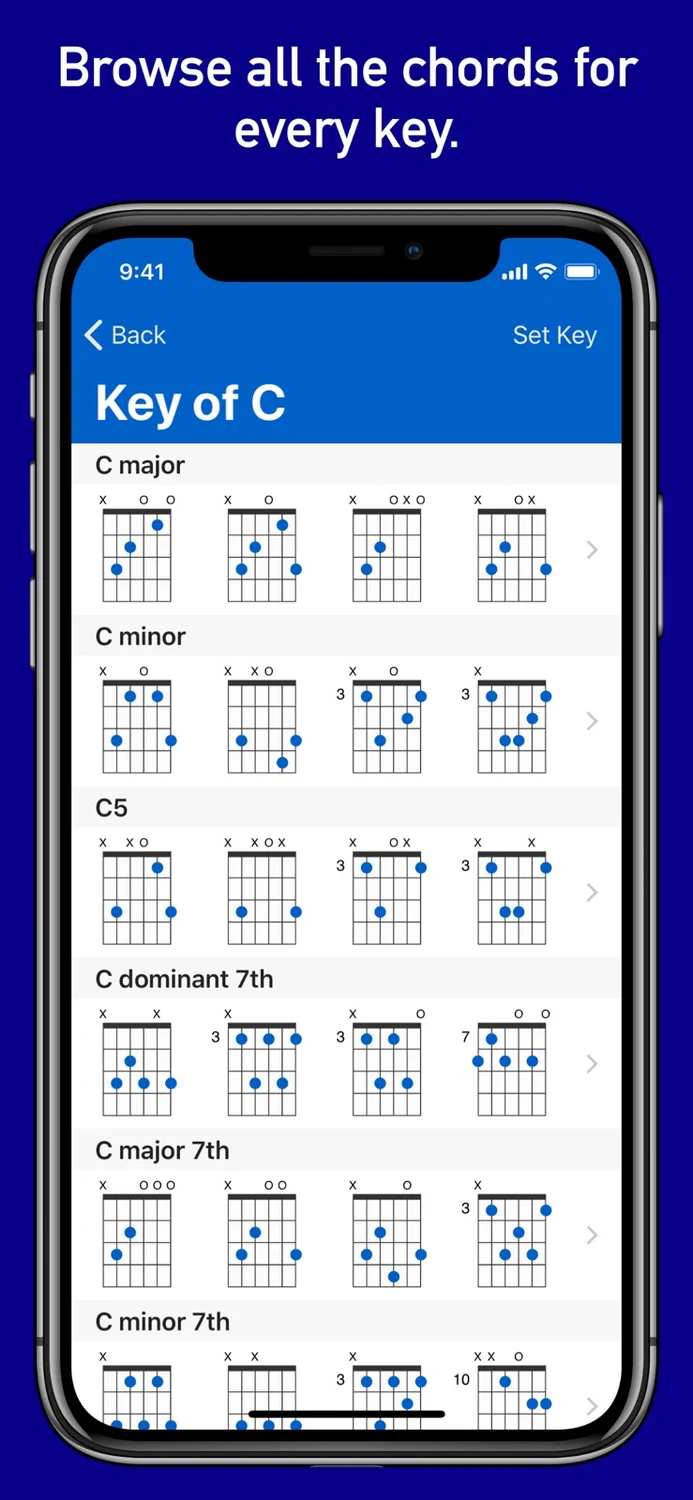
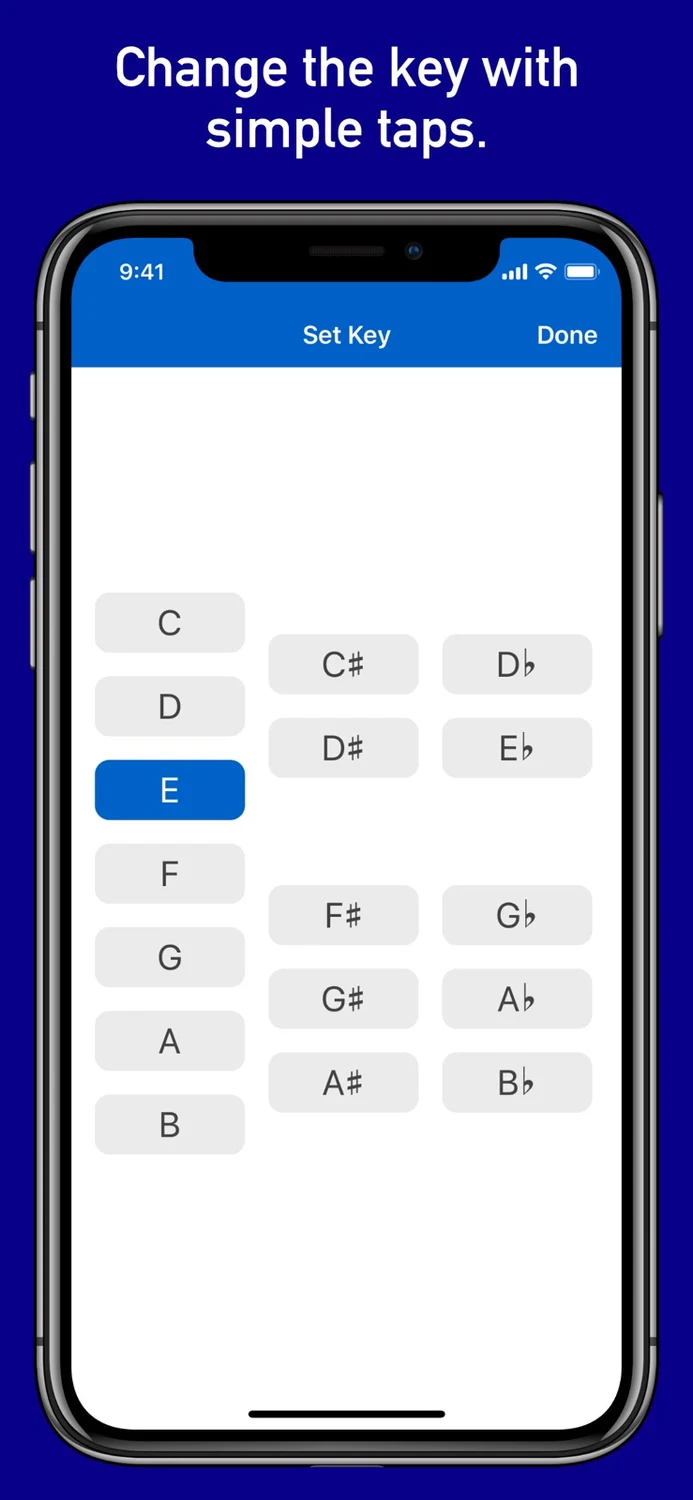
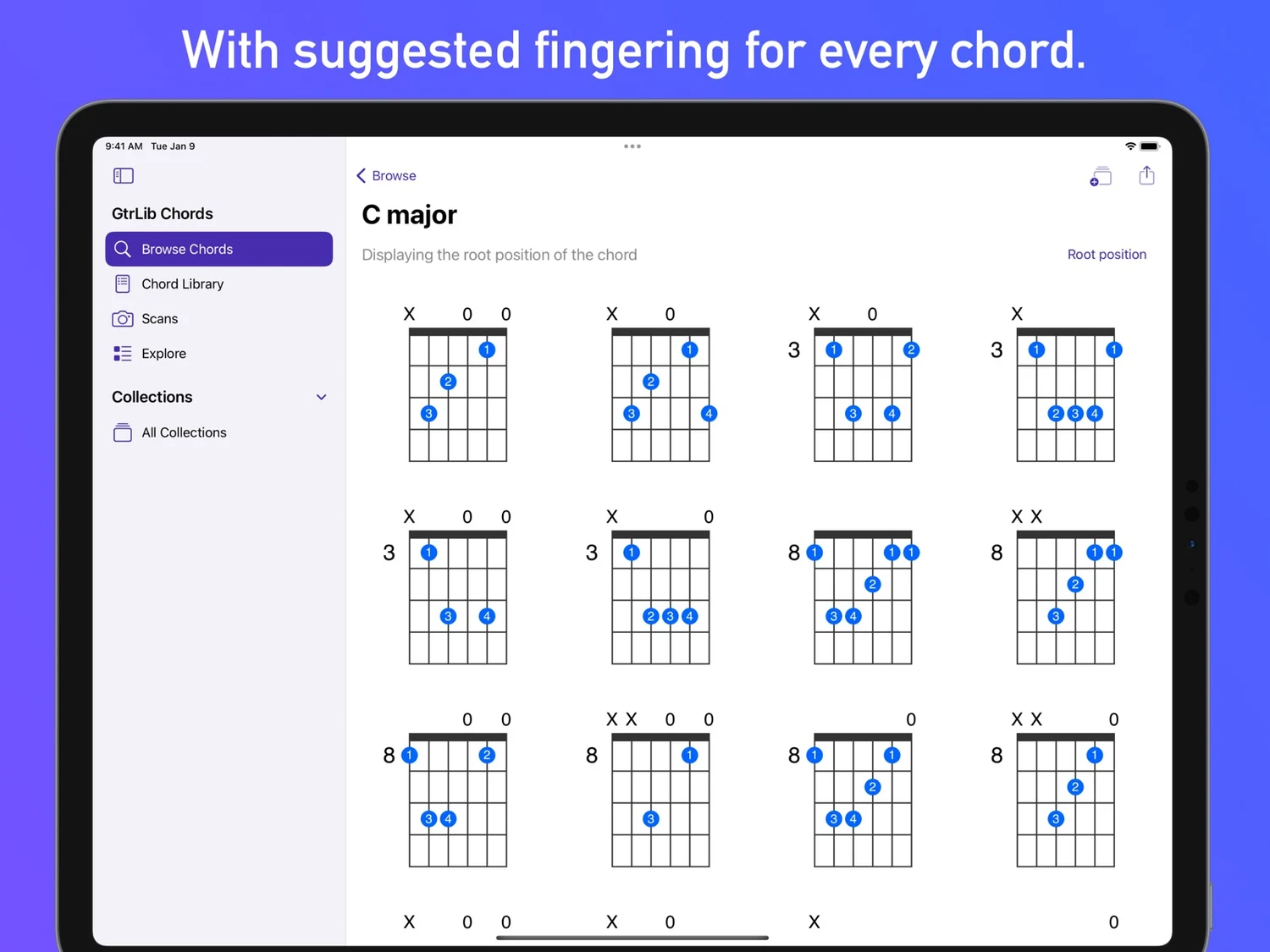
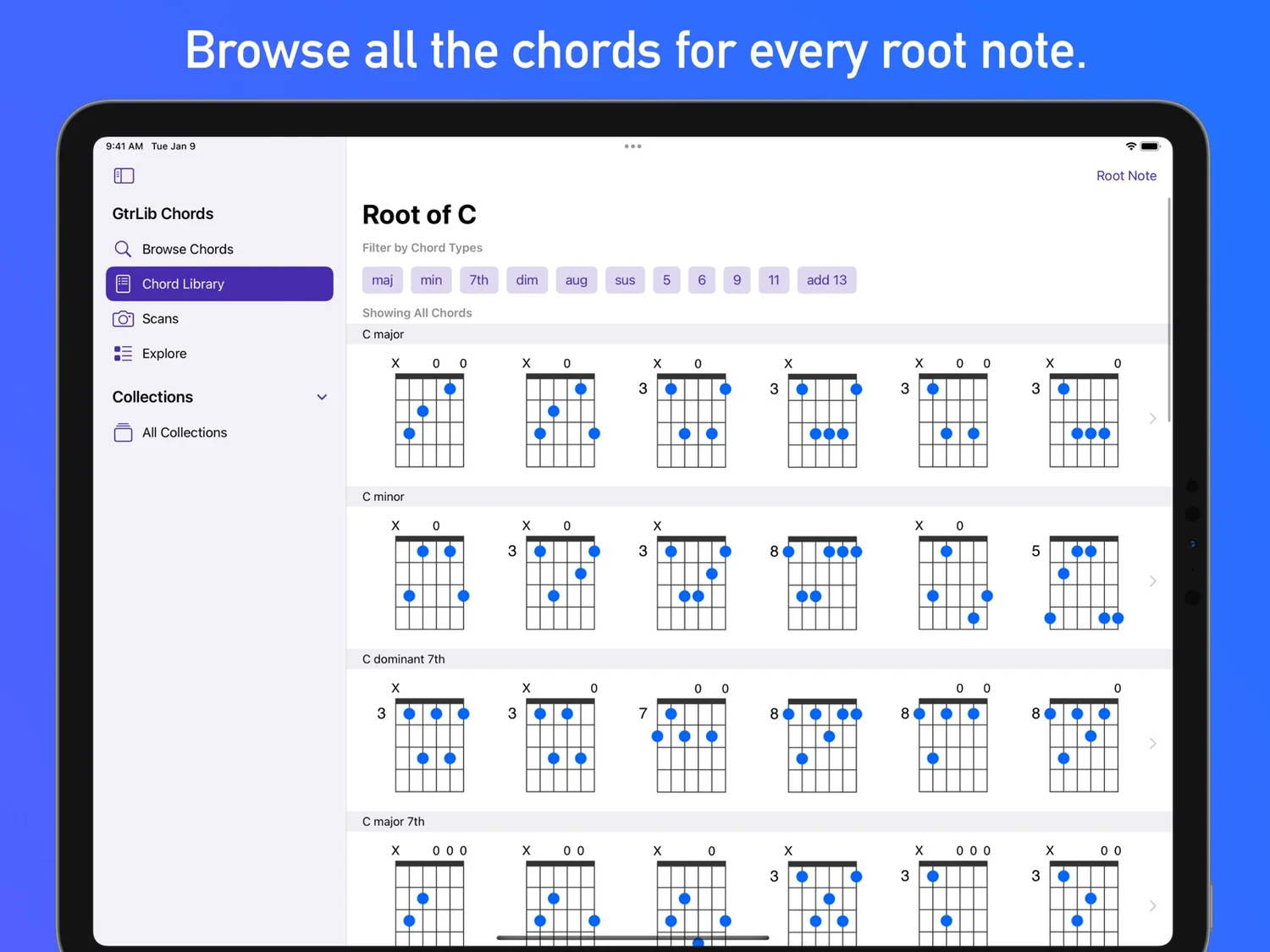
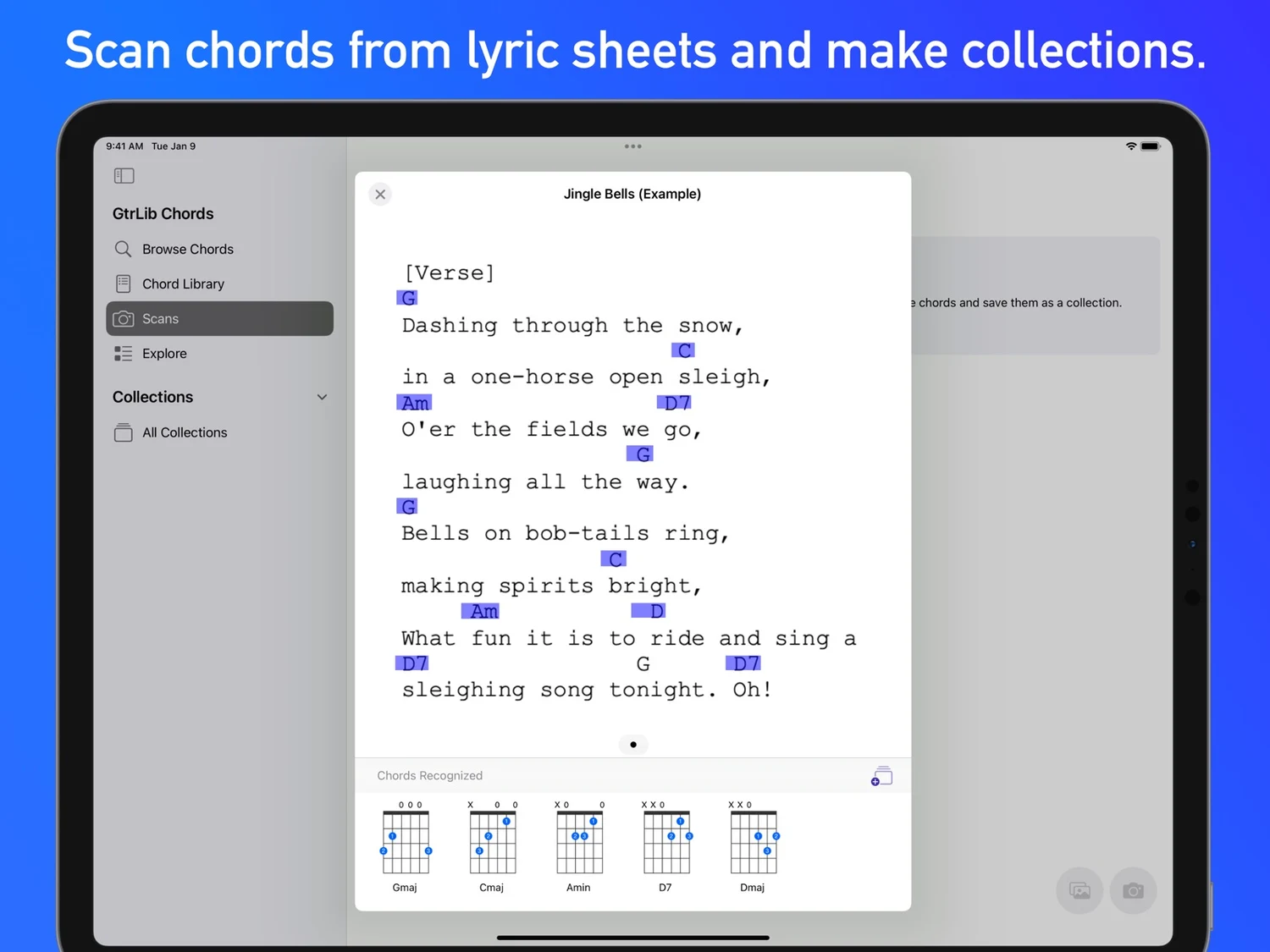
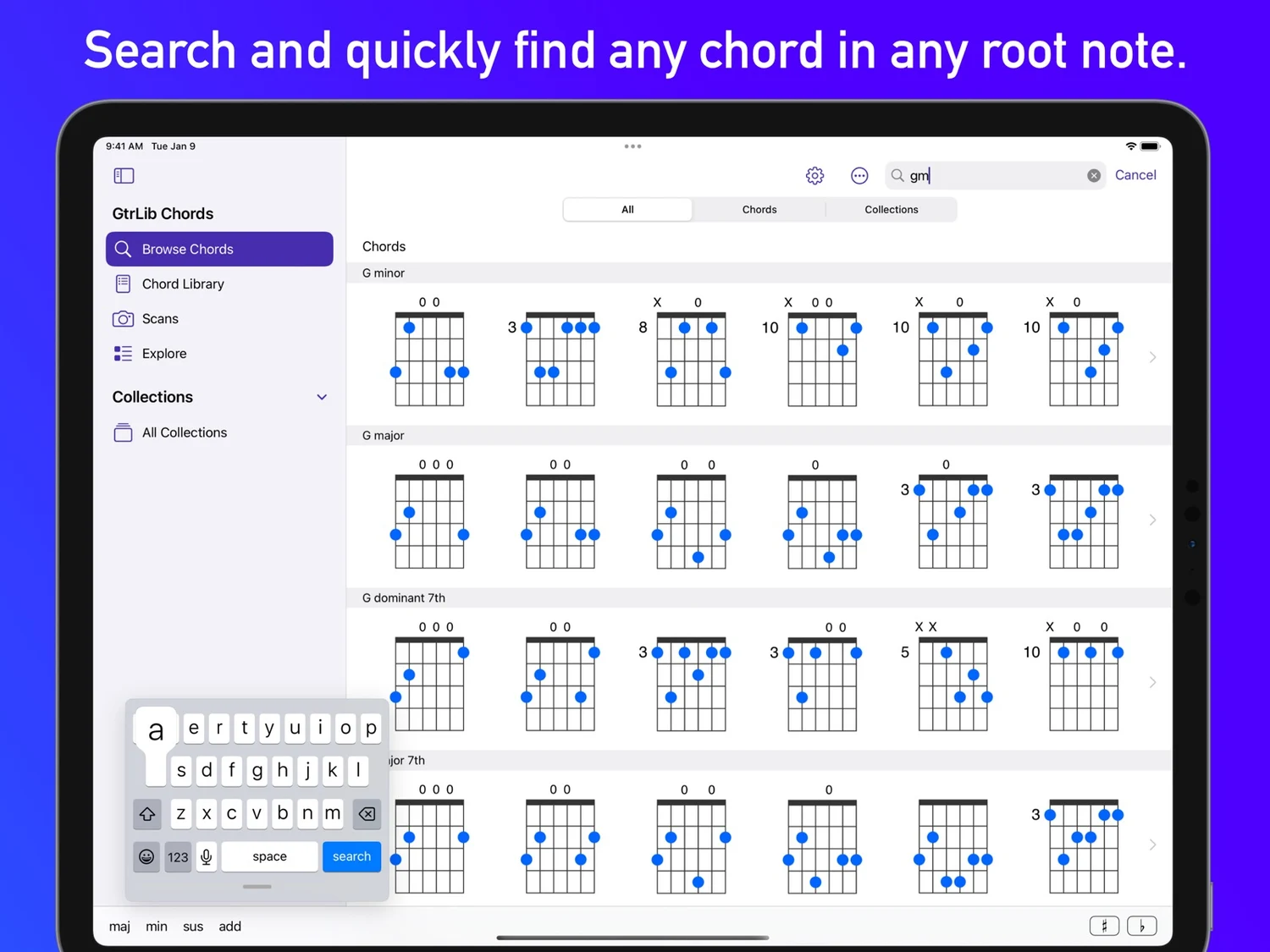
GtrLib Chords – The Ultimate Guitar Chord Library Unlock the full potential of your guitar playing with GtrLib Chords, the most comprehensive and easy-to-use chord reference for guitarists of all levels. Whether you're just starting out and need a reliable guide to essential chords or you're an advanced player looking to explore complex voicings and inversions, this app provides everything you need to learn, practice, and master guitar chords with confidence and precision. With an extensive library of thousands of chords, including multiple voicings, suggested finger positions, and audio demonstrations, this app provides everything you need to expand your chord vocabulary and improve your playing. Key Features: Comprehensive Chord Library • Explore a vast collection of chords in every key, including major, minor, diminished, augmented, suspended, extended, and more. • View all possible chord variations, inversions, and positions across the fretboard. • Learn chord placements from the open position to the highest frets. Learn & Play with Confidence • Suggested fingerings to improve technique and efficiency. • Audio playback to hear how every chord sounds before playing. • Fretboard visualization for better understanding of chord structures. Quick Search & Instant Access • Built-in search to find any chord instantly. • Spotlight search integration to locate chords directly from your device. Customize Your Experience • Left-handed mode for left-handed guitarists. • Key switching to transpose chords effortlessly. • Dark mode support for a visually comfortable experience. Export, Share & Save • Export chords as PNG or MIDI files for easy reference or music production. • Use exported MIDI files in DAWs like GarageBand, Logic Pro, Ableton Live, and FL Studio. • Print or share chords with students, bandmates, or collaborators. Designed for Everyone • VoiceOver accessibility for visually impaired users. • User-friendly interface for smooth navigation and ease of use. Who Is GtrLib Chords For? • Beginners – Learn fundamental chords with clear diagrams and audio playback. • Intermediate & advanced guitarists – Explore complex voicings, inversions, and extended chords. • Songwriters & composers – Quickly find the perfect chord for any song. • Guitar teachers & students – Use it as a reliable teaching and learning tool. • Producers & musicians – Integrate MIDI chord files into music production. Why Choose GtrLib Chords? Unlike generic chord books or basic online chord finders, GtrLib Chords provides: • A massive, well-organized chord library with multiple variations. • Fingering recommendations to improve accuracy. • Audio demonstrations to help you recognize chords by ear. • Offline access for anytime, anywhere learning. • High-quality exports for musicians, songwriters, and educators. Download GtrLib Chords Today! Discover a powerful, easy-to-use tool designed for guitarists of all levels. Whether you're practicing, performing, or composing, GtrLib Chords will help you unlock the full potential of your guitar playing. Get started now and take your guitar skills to the next level!
What’s new
A Smoother Experience with Fewer Ads - We've listened to your feedback and made a major improvement—significantly reducing the number of ads for a more seamless experience. Your input helps us make the app better, and we appreciate your support. Update now to enjoy the difference.
iPad
GtrLib Chords
- App Store
- Free
- Version 2.6.1
Requires iPadOS 17.0 or later.
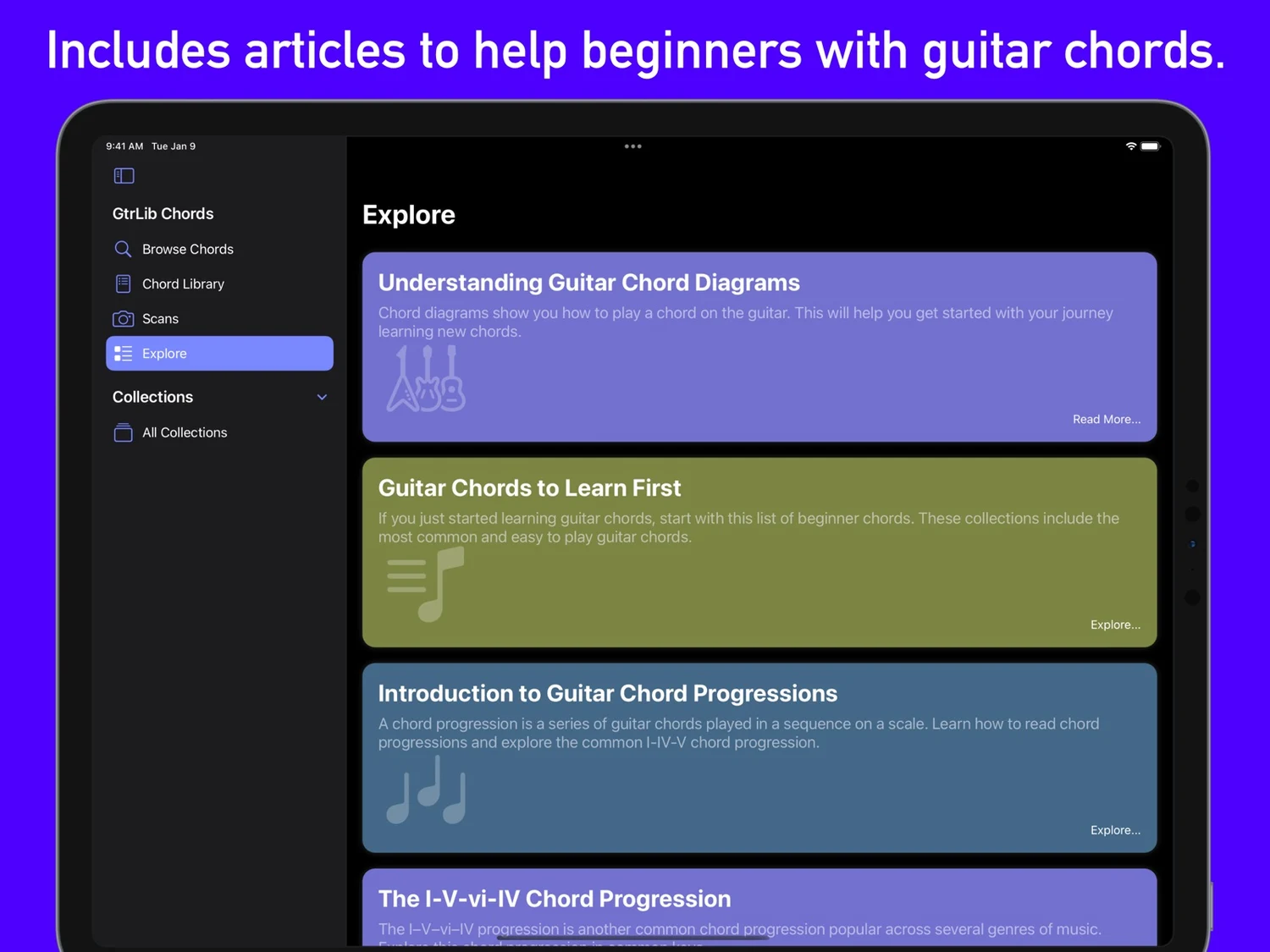
Guitar Chord Library
Read the store description
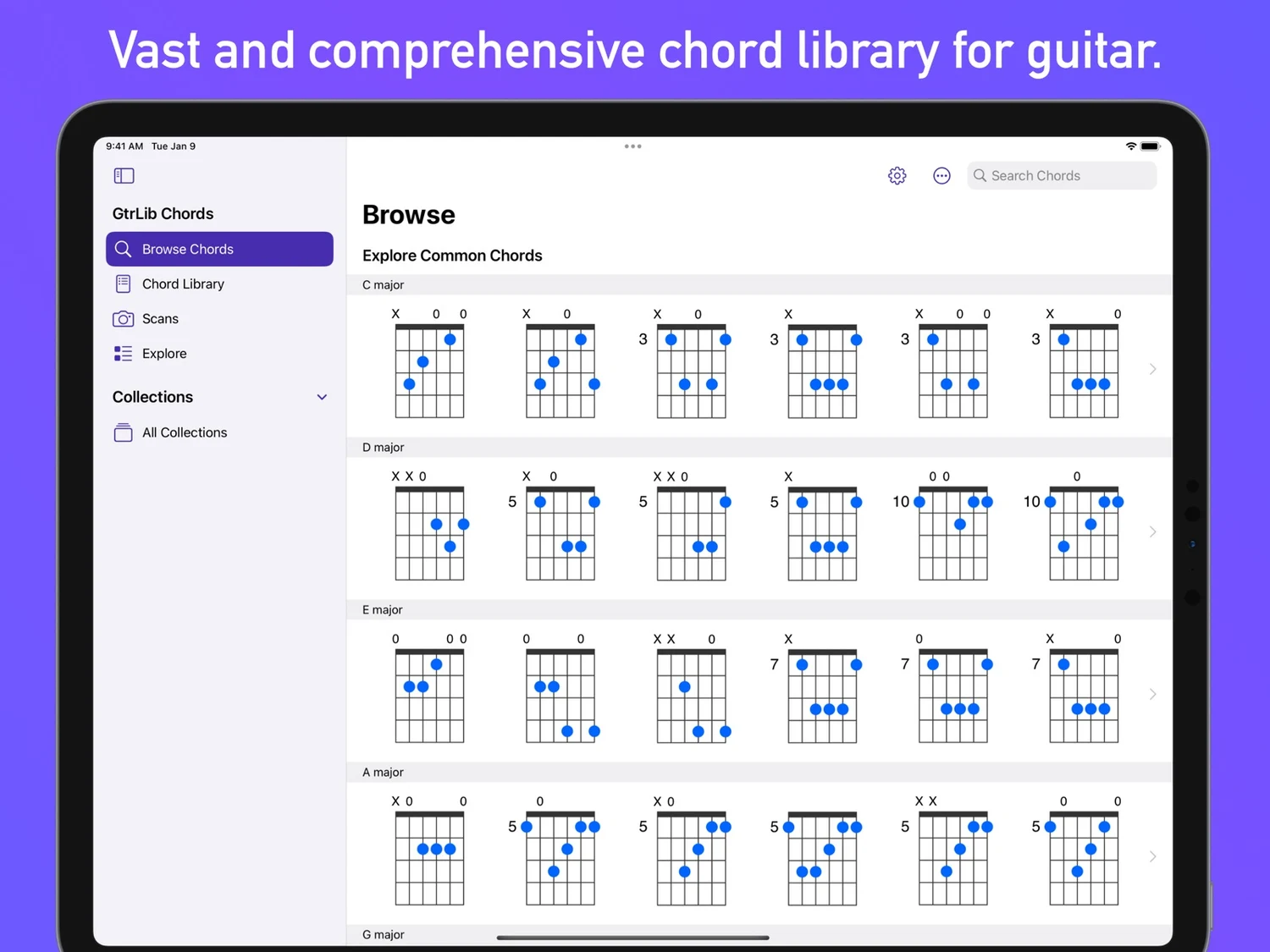
GtrLib Chords – The Ultimate Guitar Chord Library Unlock the full potential of your guitar playing with GtrLib Chords, the most comprehensive and easy-to-use chord reference for guitarists of all levels. Whether you're just starting out and need a reliable guide to essential chords or you're an advanced player looking to explore complex voicings and inversions, this app provides everything you need to learn, practice, and master guitar chords with confidence and precision. With an extensive library of thousands of chords, including multiple voicings, suggested finger positions, and audio demonstrations, this app provides everything you need to expand your chord vocabulary and improve your playing. Key Features: Comprehensive Chord Library • Explore a vast collection of chords in every key, including major, minor, diminished, augmented, suspended, extended, and more. • View all possible chord variations, inversions, and positions across the fretboard. • Learn chord placements from the open position to the highest frets. Learn & Play with Confidence • Suggested fingerings to improve technique and efficiency. • Audio playback to hear how every chord sounds before playing. • Fretboard visualization for better understanding of chord structures. Quick Search & Instant Access • Built-in search to find any chord instantly. • Spotlight search integration to locate chords directly from your device. Customize Your Experience • Left-handed mode for left-handed guitarists. • Key switching to transpose chords effortlessly. • Dark mode support for a visually comfortable experience. Export, Share & Save • Export chords as PNG or MIDI files for easy reference or music production. • Use exported MIDI files in DAWs like GarageBand, Logic Pro, Ableton Live, and FL Studio. • Print or share chords with students, bandmates, or collaborators. Designed for Everyone • VoiceOver accessibility for visually impaired users. • User-friendly interface for smooth navigation and ease of use. Who Is GtrLib Chords For? • Beginners – Learn fundamental chords with clear diagrams and audio playback. • Intermediate & advanced guitarists – Explore complex voicings, inversions, and extended chords. • Songwriters & composers – Quickly find the perfect chord for any song. • Guitar teachers & students – Use it as a reliable teaching and learning tool. • Producers & musicians – Integrate MIDI chord files into music production. Why Choose GtrLib Chords? Unlike generic chord books or basic online chord finders, GtrLib Chords provides: • A massive, well-organized chord library with multiple variations. • Fingering recommendations to improve accuracy. • Audio demonstrations to help you recognize chords by ear. • Offline access for anytime, anywhere learning. • High-quality exports for musicians, songwriters, and educators. Download GtrLib Chords Today! Discover a powerful, easy-to-use tool designed for guitarists of all levels. Whether you're practicing, performing, or composing, GtrLib Chords will help you unlock the full potential of your guitar playing. Get started now and take your guitar skills to the next level!
What’s new
A Smoother Experience with Fewer Ads - We've listened to your feedback and made a major improvement—significantly reducing the number of ads for a more seamless experience. Your input helps us make the app better, and we appreciate your support. Update now to enjoy the difference.
Mac
GtrLib Chords
- Mac App Store
- Free
- Version 2.6.1
Requires macOS 14.0 or later and a Mac with Apple M1 chip or later.
Available as a compatible Apple app. Visit the store listing for device details.
Guitar Chord Library
Read the store description
GtrLib Chords – The Ultimate Guitar Chord Library Unlock the full potential of your guitar playing with GtrLib Chords, the most comprehensive and easy-to-use chord reference for guitarists of all levels. Whether you're just starting out and need a reliable guide to essential chords or you're an advanced player looking to explore complex voicings and inversions, this app provides everything you need to learn, practice, and master guitar chords with confidence and precision. With an extensive library of thousands of chords, including multiple voicings, suggested finger positions, and audio demonstrations, this app provides everything you need to expand your chord vocabulary and improve your playing. Key Features: Comprehensive Chord Library • Explore a vast collection of chords in every key, including major, minor, diminished, augmented, suspended, extended, and more. • View all possible chord variations, inversions, and positions across the fretboard. • Learn chord placements from the open position to the highest frets. Learn & Play with Confidence • Suggested fingerings to improve technique and efficiency. • Audio playback to hear how every chord sounds before playing. • Fretboard visualization for better understanding of chord structures. Quick Search & Instant Access • Built-in search to find any chord instantly. • Spotlight search integration to locate chords directly from your device. Customize Your Experience • Left-handed mode for left-handed guitarists. • Key switching to transpose chords effortlessly. • Dark mode support for a visually comfortable experience. Export, Share & Save • Export chords as PNG or MIDI files for easy reference or music production. • Use exported MIDI files in DAWs like GarageBand, Logic Pro, Ableton Live, and FL Studio. • Print or share chords with students, bandmates, or collaborators. Designed for Everyone • VoiceOver accessibility for visually impaired users. • User-friendly interface for smooth navigation and ease of use. Who Is GtrLib Chords For? • Beginners – Learn fundamental chords with clear diagrams and audio playback. • Intermediate & advanced guitarists – Explore complex voicings, inversions, and extended chords. • Songwriters & composers – Quickly find the perfect chord for any song. • Guitar teachers & students – Use it as a reliable teaching and learning tool. • Producers & musicians – Integrate MIDI chord files into music production. Why Choose GtrLib Chords? Unlike generic chord books or basic online chord finders, GtrLib Chords provides: • A massive, well-organized chord library with multiple variations. • Fingering recommendations to improve accuracy. • Audio demonstrations to help you recognize chords by ear. • Offline access for anytime, anywhere learning. • High-quality exports for musicians, songwriters, and educators. Download GtrLib Chords Today! Discover a powerful, easy-to-use tool designed for guitarists of all levels. Whether you're practicing, performing, or composing, GtrLib Chords will help you unlock the full potential of your guitar playing. Get started now and take your guitar skills to the next level!
What’s new
A Smoother Experience with Fewer Ads - We've listened to your feedback and made a major improvement—significantly reducing the number of ads for a more seamless experience. Your input helps us make the app better, and we appreciate your support. Update now to enjoy the difference.
Apple Vision Pro
GtrLib Chords
- App Store
- Free
- Version 2.6.1
Requires visionOS 1.0 or later.
Available as a compatible Apple app. Visit the store listing for device details.
Guitar Chord Library
Read the store description
GtrLib Chords – The Ultimate Guitar Chord Library Unlock the full potential of your guitar playing with GtrLib Chords, the most comprehensive and easy-to-use chord reference for guitarists of all levels. Whether you're just starting out and need a reliable guide to essential chords or you're an advanced player looking to explore complex voicings and inversions, this app provides everything you need to learn, practice, and master guitar chords with confidence and precision. With an extensive library of thousands of chords, including multiple voicings, suggested finger positions, and audio demonstrations, this app provides everything you need to expand your chord vocabulary and improve your playing. Key Features: Comprehensive Chord Library • Explore a vast collection of chords in every key, including major, minor, diminished, augmented, suspended, extended, and more. • View all possible chord variations, inversions, and positions across the fretboard. • Learn chord placements from the open position to the highest frets. Learn & Play with Confidence • Suggested fingerings to improve technique and efficiency. • Audio playback to hear how every chord sounds before playing. • Fretboard visualization for better understanding of chord structures. Quick Search & Instant Access • Built-in search to find any chord instantly. • Spotlight search integration to locate chords directly from your device. Customize Your Experience • Left-handed mode for left-handed guitarists. • Key switching to transpose chords effortlessly. • Dark mode support for a visually comfortable experience. Export, Share & Save • Export chords as PNG or MIDI files for easy reference or music production. • Use exported MIDI files in DAWs like GarageBand, Logic Pro, Ableton Live, and FL Studio. • Print or share chords with students, bandmates, or collaborators. Designed for Everyone • VoiceOver accessibility for visually impaired users. • User-friendly interface for smooth navigation and ease of use. Who Is GtrLib Chords For? • Beginners – Learn fundamental chords with clear diagrams and audio playback. • Intermediate & advanced guitarists – Explore complex voicings, inversions, and extended chords. • Songwriters & composers – Quickly find the perfect chord for any song. • Guitar teachers & students – Use it as a reliable teaching and learning tool. • Producers & musicians – Integrate MIDI chord files into music production. Why Choose GtrLib Chords? Unlike generic chord books or basic online chord finders, GtrLib Chords provides: • A massive, well-organized chord library with multiple variations. • Fingering recommendations to improve accuracy. • Audio demonstrations to help you recognize chords by ear. • Offline access for anytime, anywhere learning. • High-quality exports for musicians, songwriters, and educators. Download GtrLib Chords Today! Discover a powerful, easy-to-use tool designed for guitarists of all levels. Whether you're practicing, performing, or composing, GtrLib Chords will help you unlock the full potential of your guitar playing. Get started now and take your guitar skills to the next level!
What’s new
A Smoother Experience with Fewer Ads - We've listened to your feedback and made a major improvement—significantly reducing the number of ads for a more seamless experience. Your input helps us make the app better, and we appreciate your support. Update now to enjoy the difference.

Android
GtrLib Chords
- Google Play
- Free
- Version 1.9.6
Android 7.0 and later
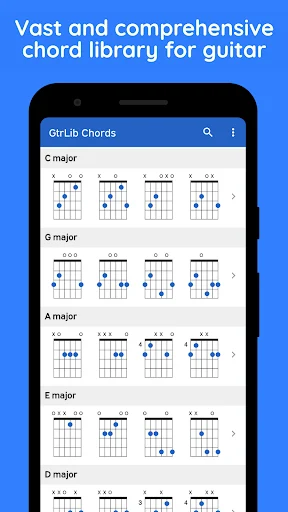
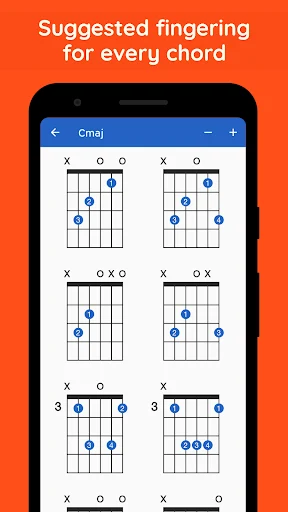
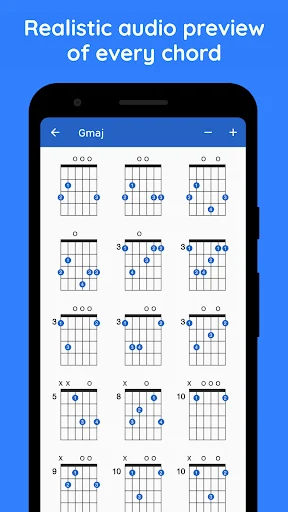
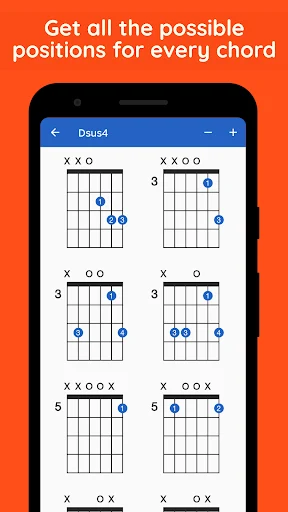
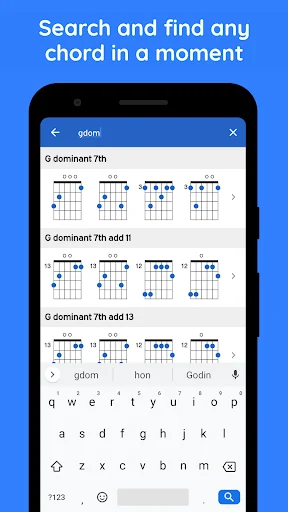
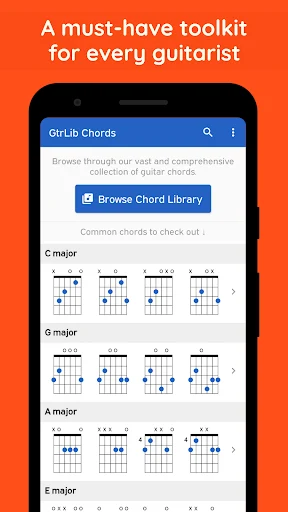
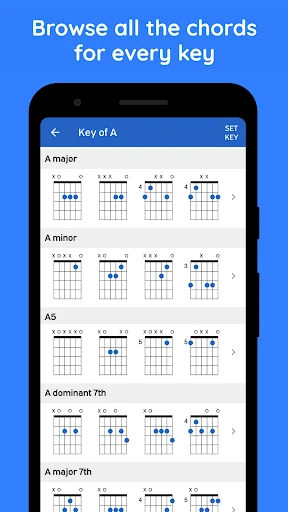
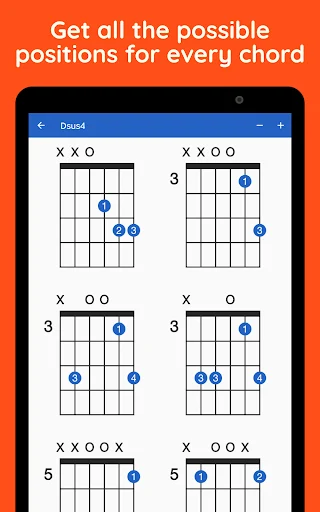
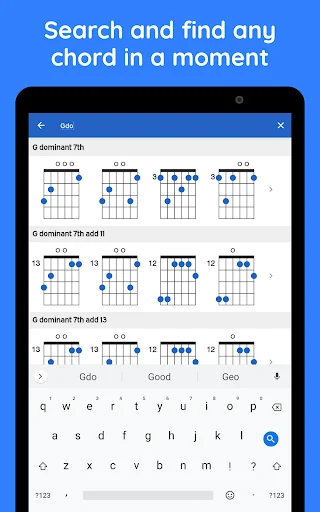
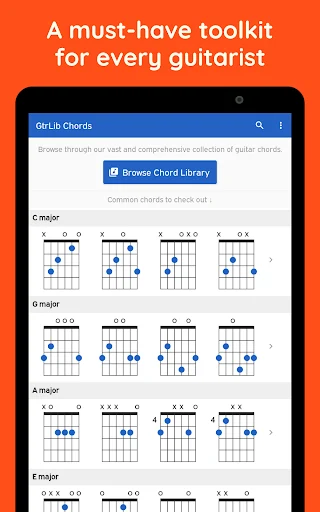
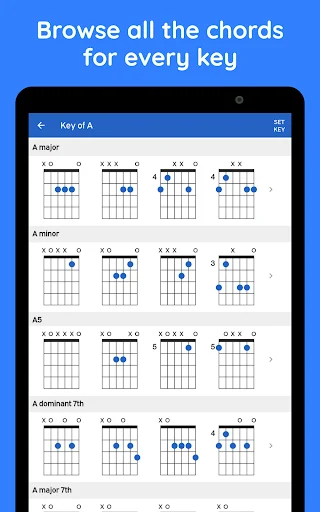
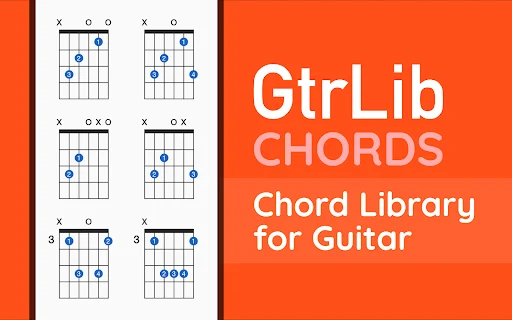
Find guitar chord diagrams, finger positions and audio in standard guitar tuning
Read the store description
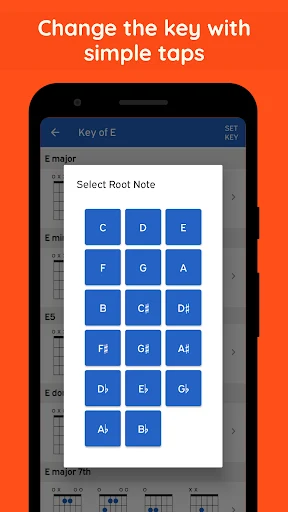
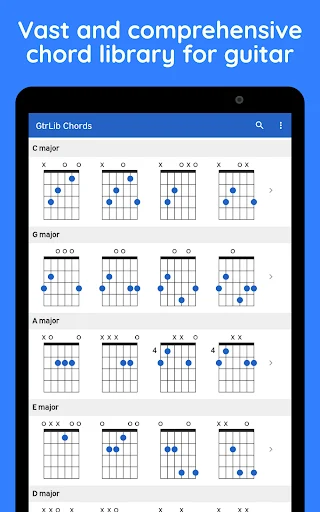
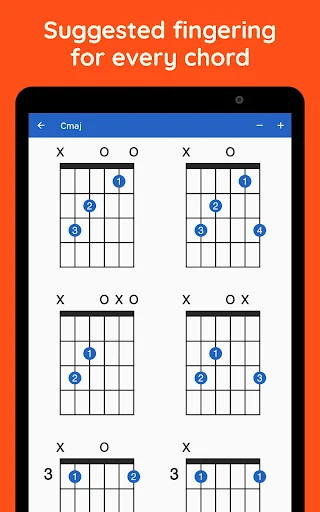
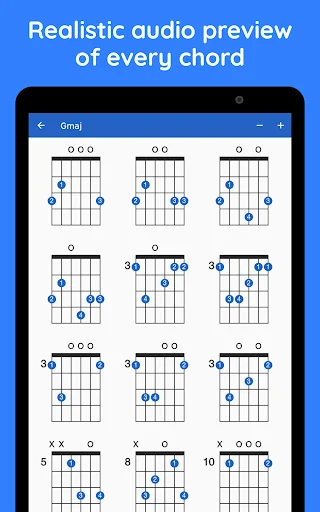
Find guitar chords, see where to place your fingers and hear the selected position with GtrLib Chords. Browse by root note and chord type or search by name when you need a chord during practice. Chord diagrams, suggested fingerings and audio playback bring the shape and sound together in one reference. Find the chord you need Start with the root note and choose the chord type you want to explore. If you already know the name, use search to reach it directly. The root identifies the note on which the chord is built; it is not the same thing as selecting the key of an entire song. Use the chord name shown in your practice material as the starting point for a lookup. Read the guitar diagram A chord diagram shows how a position is arranged on the fretboard. Follow the suggested finger placement and check the strings involved before playing the shape on your guitar. Looking closely at the position is useful when two fingerings share a chord name but sit in different places on the neck. Explore different positions Look through the available positions for a chord and compare how they are arranged. One position may suit the phrase you are practicing differently from another. You can consider the movement from the previous chord and the position of the next chord as you choose which fingering to try. This is a manual practice decision, not an automatic song-arrangement feature. Hear the selected voicing Play the chosen chord position through the app's audio playback. Listening while looking at the diagram can help you connect the written shape with its sound. Compare available positions as part of your own exploration, then play the shape on your instrument and listen to the result. Keep useful chords within reach Return to recently viewed chords while working through an exercise. Recent chords make it easier to revisit a position you have already explored instead of starting a new search each time. Share a chord as a web link when you want to point someone to the chord reference you are discussing. Guitar chord tools - Chord charts with suggested finger positions - Browsing by root note and chord type - Search by chord name - Audio playback for the selected position - Recently viewed chords - Sharing through a chord web link Use it beside your music material When a chord symbol is unfamiliar, look it up and inspect the fingering before returning to the passage. When a chord change feels awkward, compare another available position and consider how it fits the shapes around it. You can also choose a chord simply to hear and explore its voicings without working on a particular song. A practical lookup routine Choose a root and type, or enter the chord name. Inspect a position, listen to its playback and try it on your guitar. If the shape does not fit the movement you are practicing, explore another available position. Return to recent chords when comparing a small group, and use a web link if you want to share a specific reference. Know the tuning scope The charts use standard six-string guitar tuning, E-A-D-G-B-E. Check your instrument's tuning before applying a diagram. Changing the tuning changes where notes occur on the strings, so diagrams intended for standard tuning should not be assumed to represent an alternate tuning. The app is a chord reference with playback rather than a microphone-based guitar tuner. Finger placement and sound work together during practice. Take time to check the diagram, form the shape and listen to each note you play. The supplied fingering is a reference for exploring the chord, not a guarantee that every position will be comfortable for every player or guitar. The app interface is in English. GtrLib Chords includes ads and offers an in-app purchase to remove them. For support and more information, visit https://gtrlib.com. A short sequence of chord lookups can serve as a reference while you work on a progression. The musical exercise and the choice of positions remain yours.
What’s new
Refreshed interface and improvements throughout the app.

Meta Quest
GtrLib Chords
- Meta Horizon Store
- $4.99
Quest 2, Quest Pro, Quest 3, Quest 3S
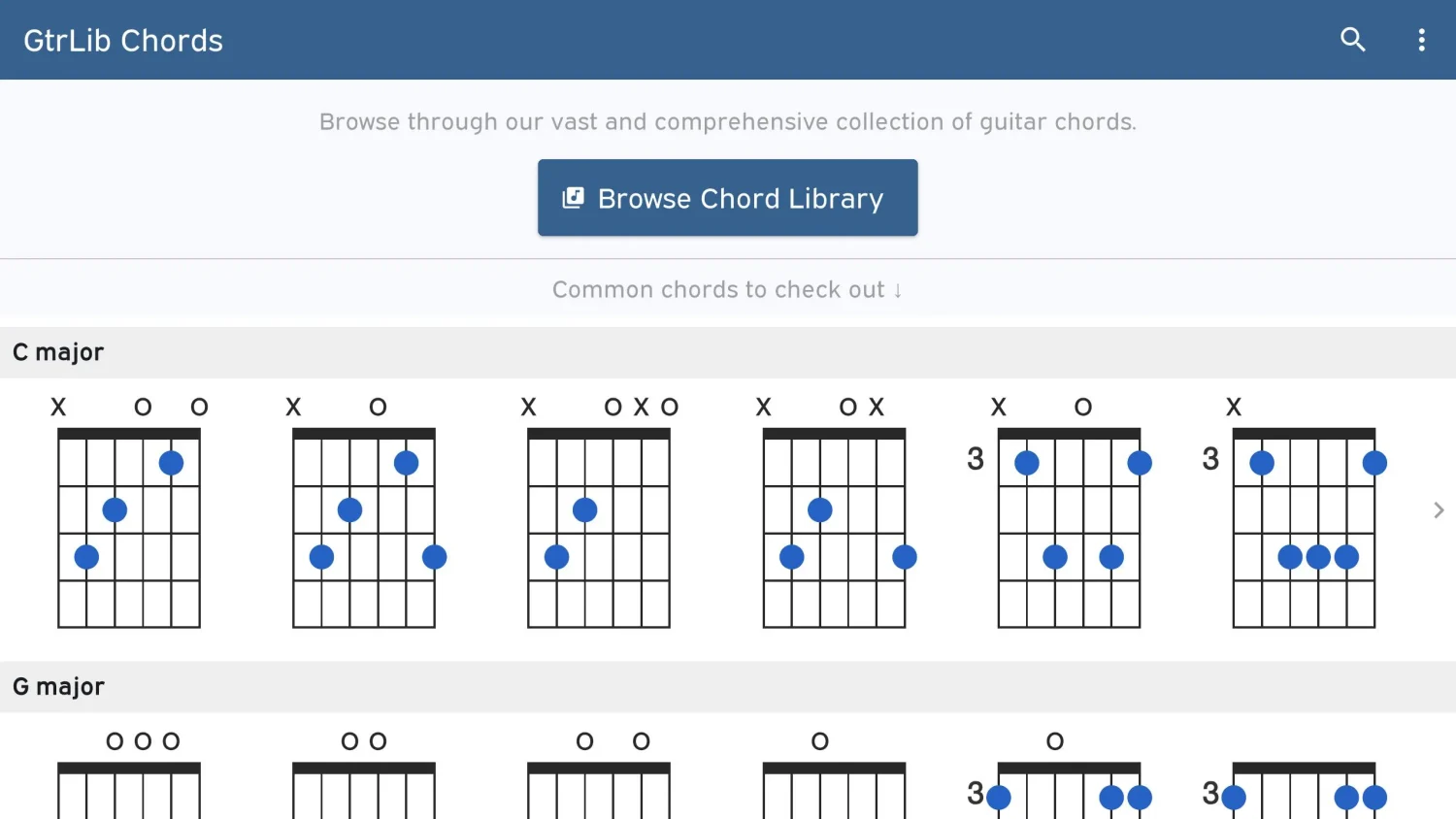
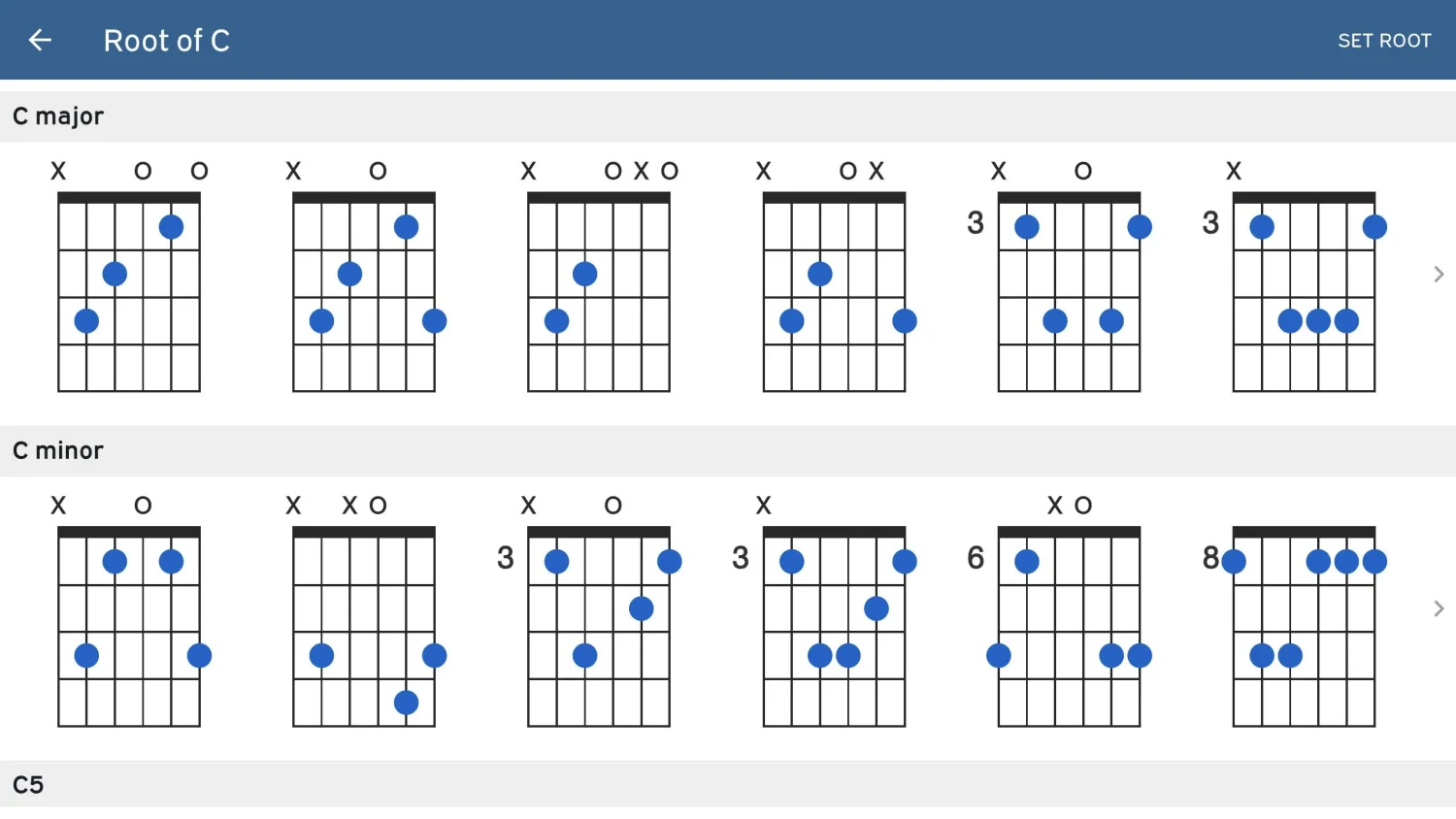
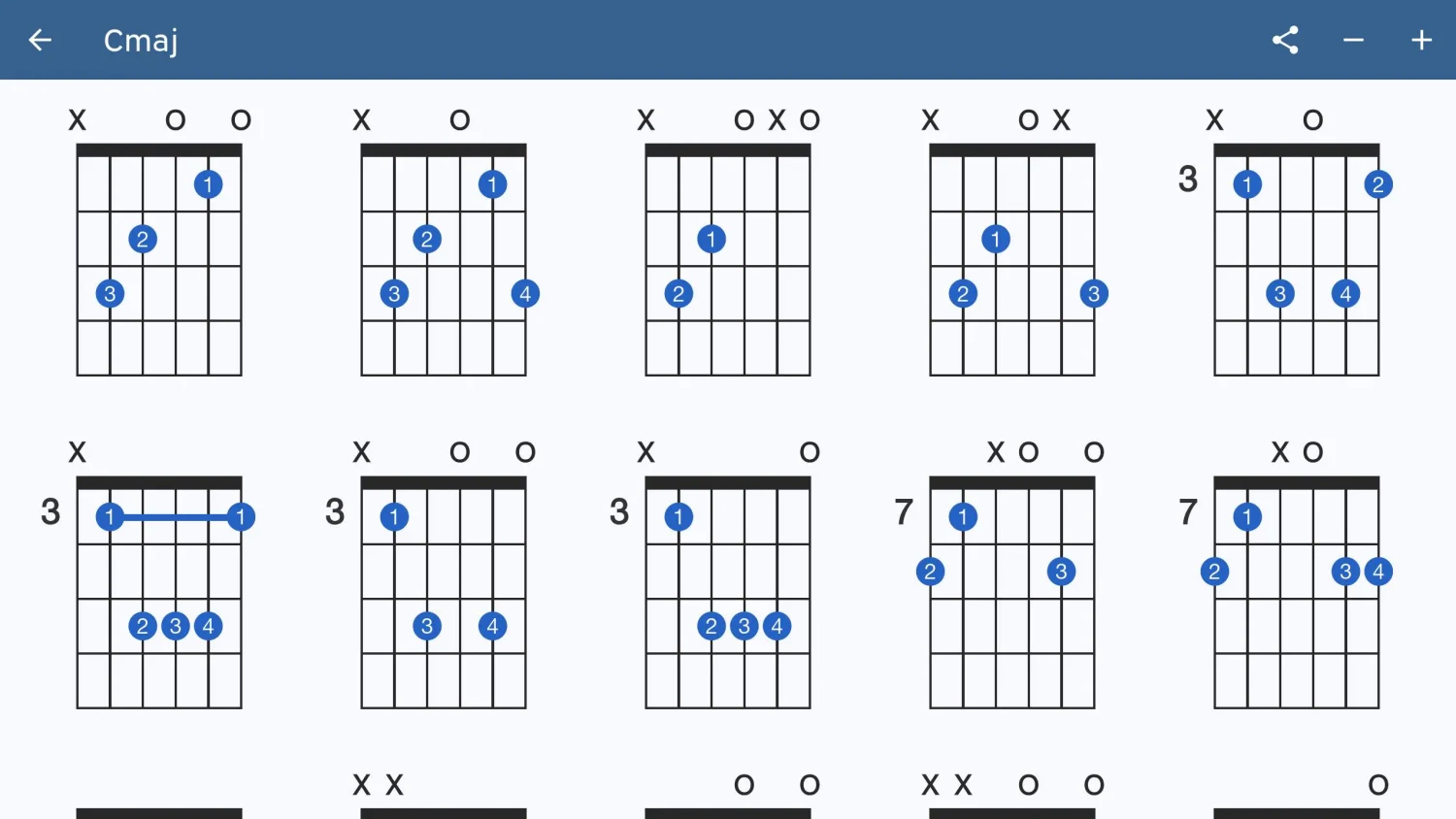
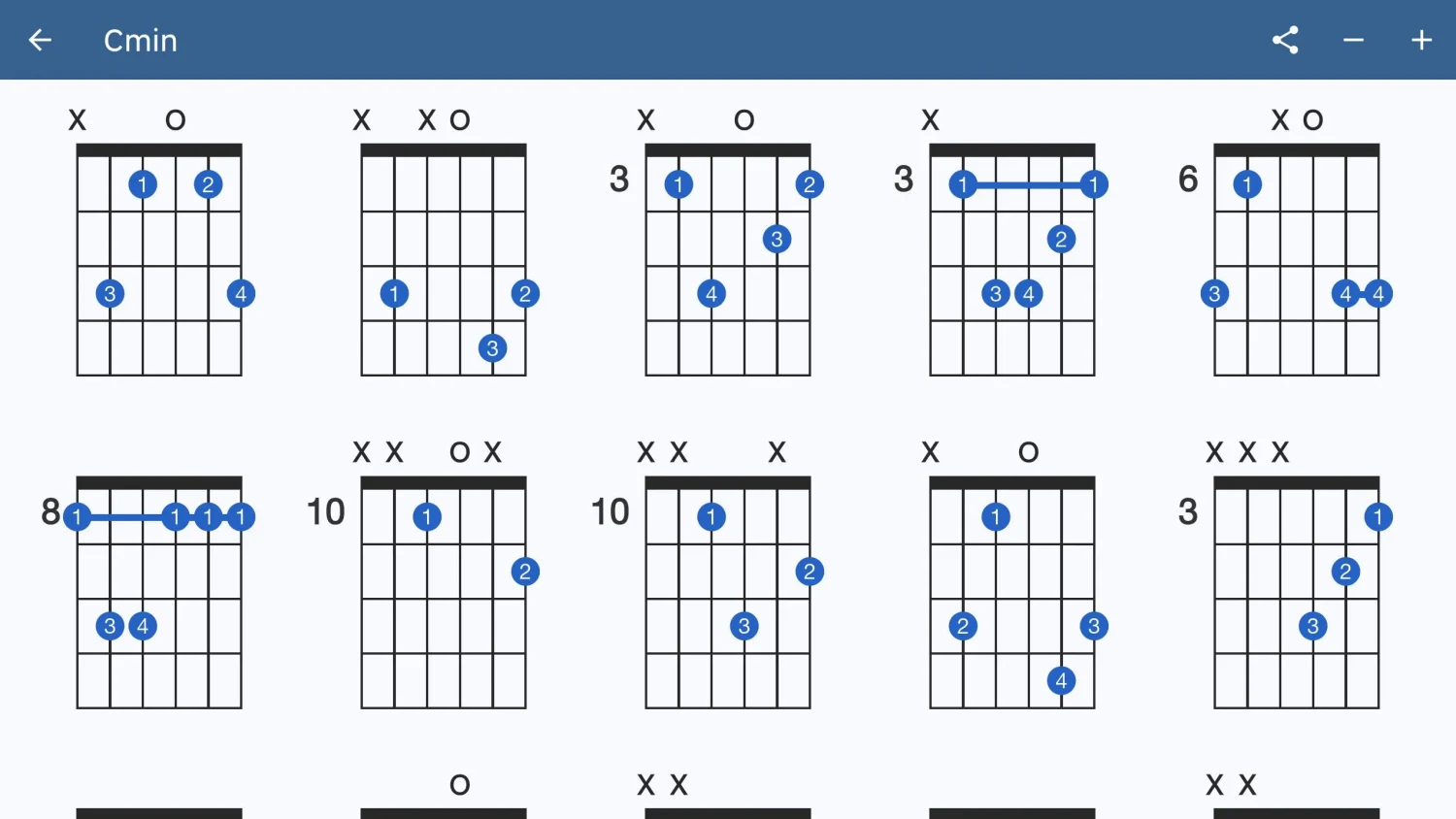
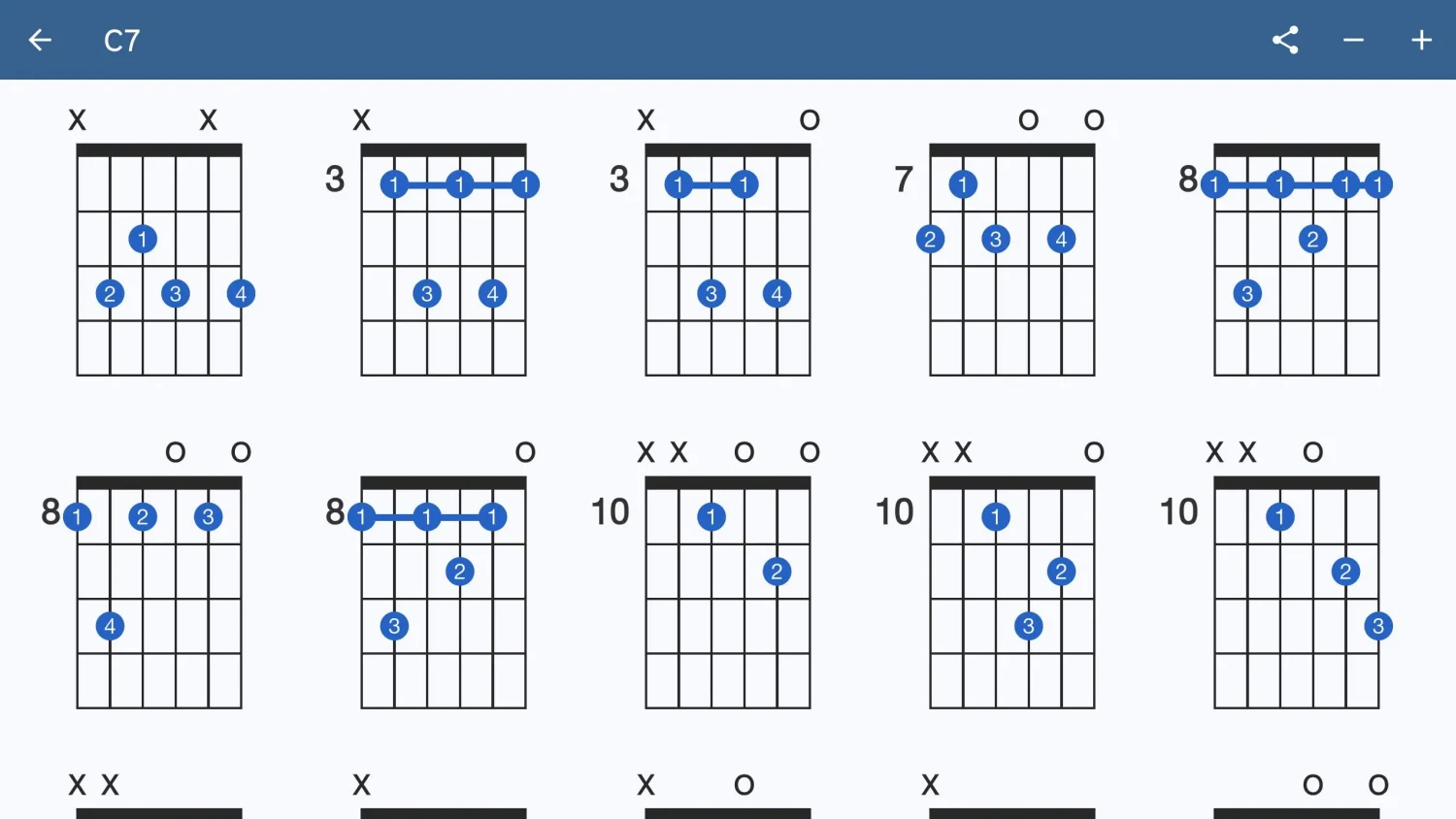
Explore guitar chord diagrams, fretboard positions and playable chord sounds.